From photos, plans and orders
to work your engineers can check.
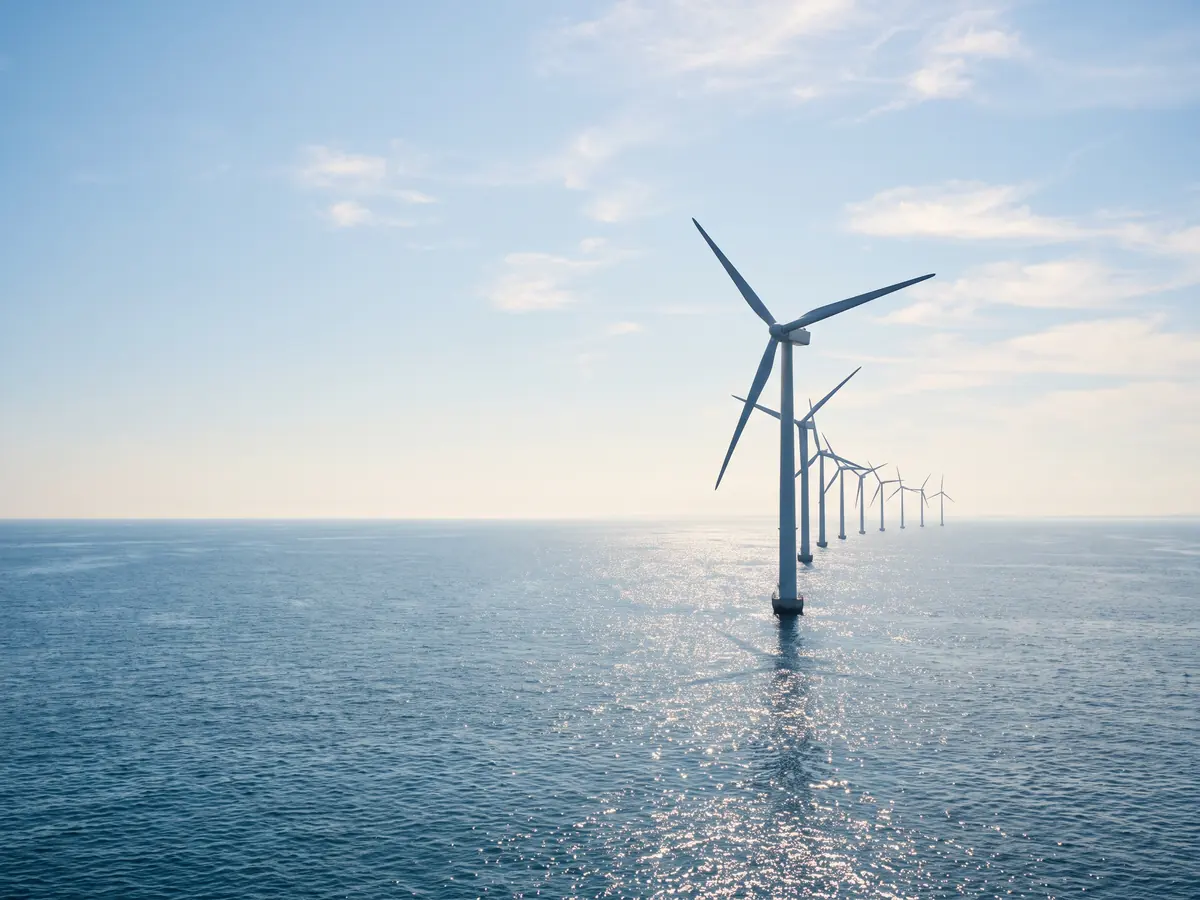
Three apps, each built around one job: checking blade photos, reviewing site plans and planning delivery dates. AI agents show their evidence; your engineers decide.
Three appsWho decides, at every stepPublished sources linked
Follow three apps. Each shows the AI agents at each step, what they could not judge and who decides.
- 01 / Asset inspectionCheck every blade photo.
Send unclear ones to an engineer.Flag damage in drone photos of blades and send findings and unclear photos to an engineer. - 02 / Drawings & codesCheck the plan.
Leave the approval to the reviewer.Check a site plan against your code library, rule by rule. - 03 / Orders & planningPromise dates you can keep.
Name the missing data.Propose delivery dates from ERP exports and name the missing data.
01 / 03Asset inspection
Check every blade photo.
Send unclear ones to an engineer.
Workflow scope
The recurring work
After each drone flight, a few specialists sort hundreds of blade photos to decide which damage needs a crew. Small damage is easy to miss.
Inputs to scope
- Drone photos from each flight
- Your damage types and severity scale
- Earlier findings for each turbine
What we would configure
A workflow in steps, each with its own model: flag possible damage, outline it, check its depth against dirt or shadow and draft a finding with the evidence. Synexas built an app like this for an offshore wind manufacturer.
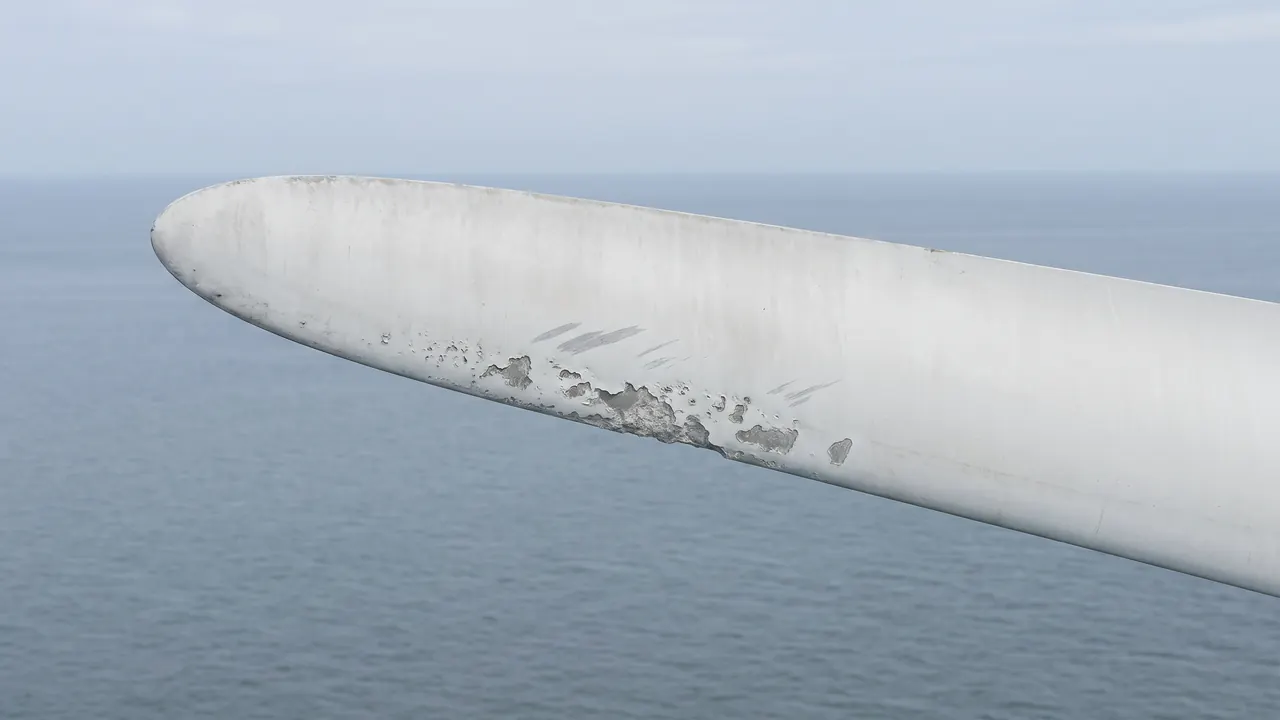 Turbine T-31Blade BGenerated photo
 Unusual areaOutlinedDepth
- Sorting agentFlagged this photo as possible damage.
- Outline agentOutlined three areas on the leading edge.
- Shape agentChecked the depth: damage, not dirt or shadow.
- Diagnosis agentRead erosion, not a crack, and drafted a finding.
- Blade engineerReviews the finding.Waiting
Deliverable, decision & acceptance
The deliverable
A finding with its evidence for each photo that may show damage, and a list of photos the app could not judge.
Your decision point
A blade engineer confirms each finding and decides whether a crew goes out. The app orders no repair.
How we would accept it
Your engineers test it on photos they have already judged and confirm that every unclear photo reached an engineer.
02 / 03Drawings & codes
Check the plan.
Leave the approval to the reviewer.
Workflow scope
The recurring work
Reviewers check each drawing against dozens of code clauses by hand. An item that is simply not drawn is the easiest to miss.
Inputs to scope
- Site plan or drawing set
- Your code library and checklist
- Design notes and earlier comments
What we would configure
A read-only workflow that turns your code library into checkable rules, measures and counts what it can on the plan and lists each rule as met, a finding or unclear.
- Rules agentPicked four rules from your code library.
- Drawing agentMeasured the fire lane and counted spaces.
- Check agentCompared each rule with the plan.
- Plan reviewerDecides what goes back.Waiting
- FindingAccessible parking by the entranceRule 5.1.4, not drawn
- Finding118 spaces drawn, 120 in the notesRule 6.1.2
- MetFire lane at least 20 ft wideRule 3.4.1, 22 ft
- UnclearRamp slope at entrance E1Rule 5.2.7, not shown
Deliverable, decision & acceptance
The deliverable
A findings list with each rule, its clause and where it applies on the plan.
Your decision point
The plan reviewer checks each finding and decides what goes back to the designer. The app approves no drawing.
How we would accept it
Run it on plans your reviewers have already checked and log every rule it marked unclear.
03 / 03Orders & planning
Promise dates you can keep.
Name the missing data.
Workflow scope
The recurring work
Planners piece together orders, materials, stock and lead times from several screens before they promise a date. A missing lead time often surfaces too late.
Inputs to scope
- Open order lines from your ERP
- Bills of materials and routings
- Stock and purchase lead times
What we would configure
A workflow beside your ERP that reads its exports, checks materials and line capacity, proposes dates and lists the lines it cannot plan. It changes nothing in the ERP.
- Order agentRead the open lines from the ERP.
- Materials agentChecked stock, materials and lead times.
- Capacity agentFitted the housings into line 2.
- Production plannerConfirms each date.Waiting
Deliverable, decision & acceptance
The deliverable
Each order line with a proposed date or the data it is missing, and a file for the ERP once a planner confirms.
Your decision point
The production planner confirms each date before it reaches the ERP or a customer. The app sends no date.
How we would accept it
Compare its dates with the planners’ own on past orders and check that every missing item was listed.
Your existing systems
remain the starting point.
Scope the first app around authorized exports from your inspection, drawing and ERP systems. Native connectors and write-back are separate deliverables to agree.
Sources
for these tasks.
These sources inform the workflow design, responsibilities and acceptance questions. Your own law, codes and procedures decide what applies, and each deployment is agreed and checked with your team.
- OSHA: Green Job Hazards, Wind Energy
Federal guidance. Hazards in wind energy work, such as falls, electrical shock and fire.
- ICC: 2021 International Fire Code, Chapter 5
Model code. Fire service features such as fire apparatus access roads; each state or city adopts its own edition.
- Justice Department: 2010 ADA Standards for Accessible Design
Federal standard. Accessibility requirements for new and altered facilities, including parking, entrances and ramps.
- NIST: Cybersecurity Framework Manufacturing Profile
Voluntary framework. Cybersecurity outcomes for manufacturing systems and the production data they hold.
- NIST: AI Risk Management Framework
Voluntary framework. How organizations can govern and manage the risks of AI systems.
Other walkthroughs.
Let’s make AI useful.
For your actual work.
Tell us about a job your team repeats, not your confidential files. We’ll show you how Matrix handles work like it.
Request a demo